Best Travel Planning Apps (2026) vs. a Spreadsheet
Best travel planning app for maps, booking details, shared plans or a spreadsheet? Compare what each option handles, then choose the setup that fits your trip.
By Ultimate Travel Planner by Cosmo Suite · Editorial policy
Published · 8 min read

The flights are booked, the hotel is saved somewhere, and the group chat has a growing list of places. You need a plan that answers one small question quickly: where are we supposed to be on Thursday afternoon?
The best travel planning app depends on which part of that job you want handled for you. Some tools arrange reservations. Others help you choose stops on a map. A spreadsheet gives you a place to line up the dates, bookings, budget and packing details yourself. Ultimate Travel Planner at ultimatetravelplanner.site is a trip-planning spreadsheet, while the other choices here are apps or separate tools.
The Plan in Brief
- Pick a map-first app when your main job is deciding where to go each day.
- Choose a booking organizer when confirmations and flight updates are the hard part.
- Use Google tools for search, maps and saved places, then keep the schedule somewhere else.
- A spreadsheet suits a trip where bookings, daily plans and costs need to sit together.
Start with the part of the trip you keep losing
A travel planning app is software for organizing trip details such as bookings, places or day plans. Choose one that makes the details you reach for easiest to find and update. Before you compare names, notice what is currently scattered: reservations, places to visit, the day-by-day schedule, shared decisions or trip costs.
That list is your test. If you have to open email to confirm the hotel, a map app to remember the restaurant, and a note to see what day the train leaves, the tools are solving separate pieces. That can be fine, as long as you know which one holds the current plan.
Also decide who needs to use it. A solo trip can work with a private list. A group may need shared editing. Someone who plans on a laptop and checks details on a phone may prefer a different format from a traveler who wants route directions while walking.

A day from the Lisbon and Porto sample trip
A day view is a practical test for whether a tool keeps the details you care about together. In the Ultimate Travel Planner sample, a ten-day Lisbon and Porto trip is planned for two travelers. The flight to Lisbon is on Friday, May 14, 2027 at 18:40. The Alfama apartment covers May 15 to 19, and a Sintra day tour is listed for May 17 at 09:30.
Those bookings have different jobs. The stay tells you where the travelers sleep on each night. The tour fixes a morning. The flight sets the first day in the plan.
The sample keeps a separate status for a car hire marked “to book,” so an idea does not look like a confirmed reservation.
A map can help answer where places sit in relation to one another. A booking organizer can make the flight confirmation easier to retrieve. A day-by-day plan can show the tour next to the rest of May 17. You may use one tool for all three, or keep a schedule beside the app you use for maps and reservations.

The travel itinerary example from the Lisbon and Porto sample shows how the stay, time blocks and bookings fit in a day. Use that kind of concrete day as your comparison test. Can you find where you sleep, what is fixed, and what remains flexible without searching through several places?
Best travel planning apps in 2026: which fits your trip?
The options below are grouped by the job each handles. Their feature descriptions come from public provider pages checked November 5, 2026. This is desk research, with no hands-on app testing.
| Option | What it handles well | What you still need to manage | Best for |
|---|---|---|---|
| Wanderlog | Places, itinerary, maps, collaboration, lists and trip budgeting | Check which advanced features are in Pro; decide how to keep confirmations current | Planning days around places and sharing the plan |
| TripIt | Organizing travel plans and reservation details; Pro adds flight alerts and related travel updates | Building a place-by-place route and a separate trip budget | Turning confirmations into an itinerary |
| Google Maps and Google Flights | Saving places and searching flight options | Connecting saved places and flight choices to one complete daily schedule | Travelers who prefer separate Google tools |
| A spreadsheet | Laying out dates, bookings, daily plans, costs and packing details in a file | Entering details and checking updates yourself; no built-in maps or email import | Keeping a trip's working plan in a format you control |
The short version: use a map-led planner for place decisions, a booking organizer for confirmations, Google tools for search and saved places, or a spreadsheet for a trip plan you want to shape around your own columns.
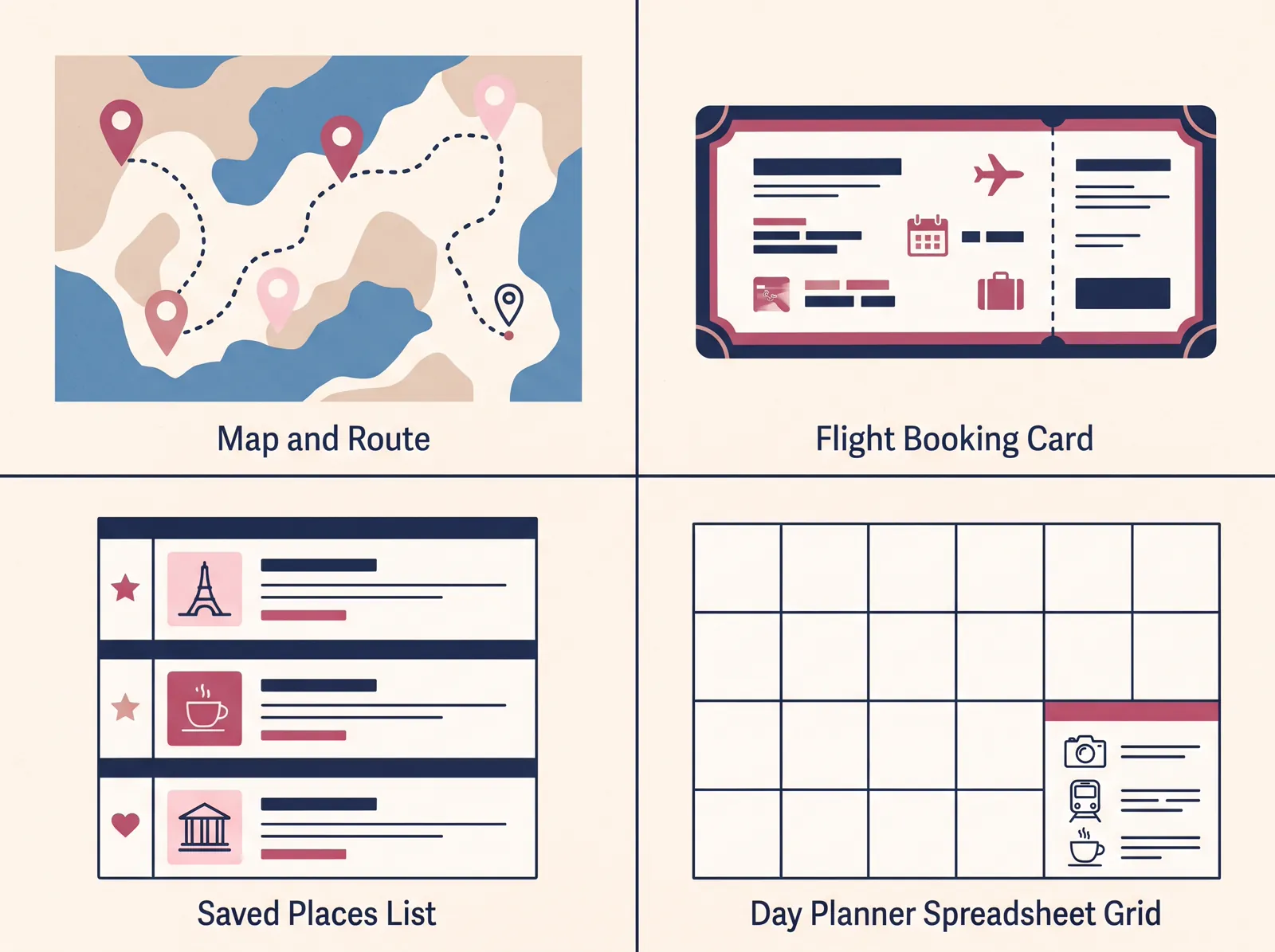
Wanderlog: choose it when the map is the plan
Wanderlog fits travelers who start with places and want to arrange them into days. Wanderlog's help center has sections for daily itineraries, maps, trip sharing, reservations, place lists and trip costs. Its Pro features section lists offline access and route optimization.
Choose Wanderlog when you need to organize nearby locations into a daily itinerary. Its map keeps each stop visible while tripmates edit the schedule with you. Those features are useful while the group is still choosing what to do.
Keep a separate place for details that do not belong on a map. If your main question is whether a booking cost has been counted or what everyone needs to pack, decide how to track that before you settle on an app. The comparison of TripIt and Wanderlog covers their booking and route differences in more detail.
TripIt: choose it when reservations come first
TripIt is a better fit when your trip begins as a stack of booking confirmations. Its feature and pricing page lists a free plan with itinerary organization, calendar sync and mobile access. Pro adds flight alerts, alternate flights, check-in reminders and travel disruption alerts. The page also says users can forward confirmations to build an itinerary.
TripIt listed Pro at $49 per year on its US pricing page when checked November 5, 2026. Its free plan may be enough if you mainly want reservations gathered into one itinerary. Consider Pro if its travel alerts and airport features match a problem you actually have.
TripIt handles confirmed travel details well. It is less focused on arranging a full day around places or keeping a detailed trip budget beside each date. If you use it for bookings, decide where your activity ideas and costs will live. The travel planner template comparison walks through other ways to keep a plan together.
Google tools: choose them when you want separate tools
Google Maps lets you save places in lists and share those lists, as its help page explains. Google Flights helps you search one-way, round-trip and multi-city flights, compare options and continue to an airline or booking partner, according to Google Flights Help. These tools can help with research and navigation, especially if you already use a Google account.
They do not automatically become one trip schedule. A saved restaurant list does not show which day you have time to visit it. A flight search does not connect the selected flight to your hotel nights or daily plan. You can create a separate document or spreadsheet for those decisions and link to the maps or confirmations you need.
This setup is flexible, but you are the person joining the pieces. It can be a good choice when you want familiar tools and do not mind maintaining a short master plan alongside them.
A spreadsheet: choose it when you want bookings and days together
A spreadsheet can hold your own trip schedule without adding another planning app to your phone. You can set up dates, stays, bookings, daily activities, costs and lists in the layout you prefer. The details do not import themselves, and the sheet does not provide directions or live flight alerts.
Ultimate Travel Planner at ultimatetravelplanner.site is a ready-made trip itinerary spreadsheet with 12 connected tabs in Google Sheets and Excel. It includes a sample copy and a clean copy, plus two printable pages. Its contents include a plan for each day, bookings, budget and spending beside those days, and a master packing list you can keep for another trip. You type in the exchange rate yourself.
That format is useful when you want the day to be the center of the plan. Bookings can be recorded once and shown with the relevant day; the trip budget and packing details remain part of the same file. You still enter the information and check it when plans change. It does not import email or give route directions.
If you already work in Sheets or Excel, compare your current setup with a travel planner spreadsheet that connects the trip's details. If you would rather start from a ready-made file, a trip itinerary spreadsheet with bookings beside each day gives you that structure to fill in.
A quick way to make your choice
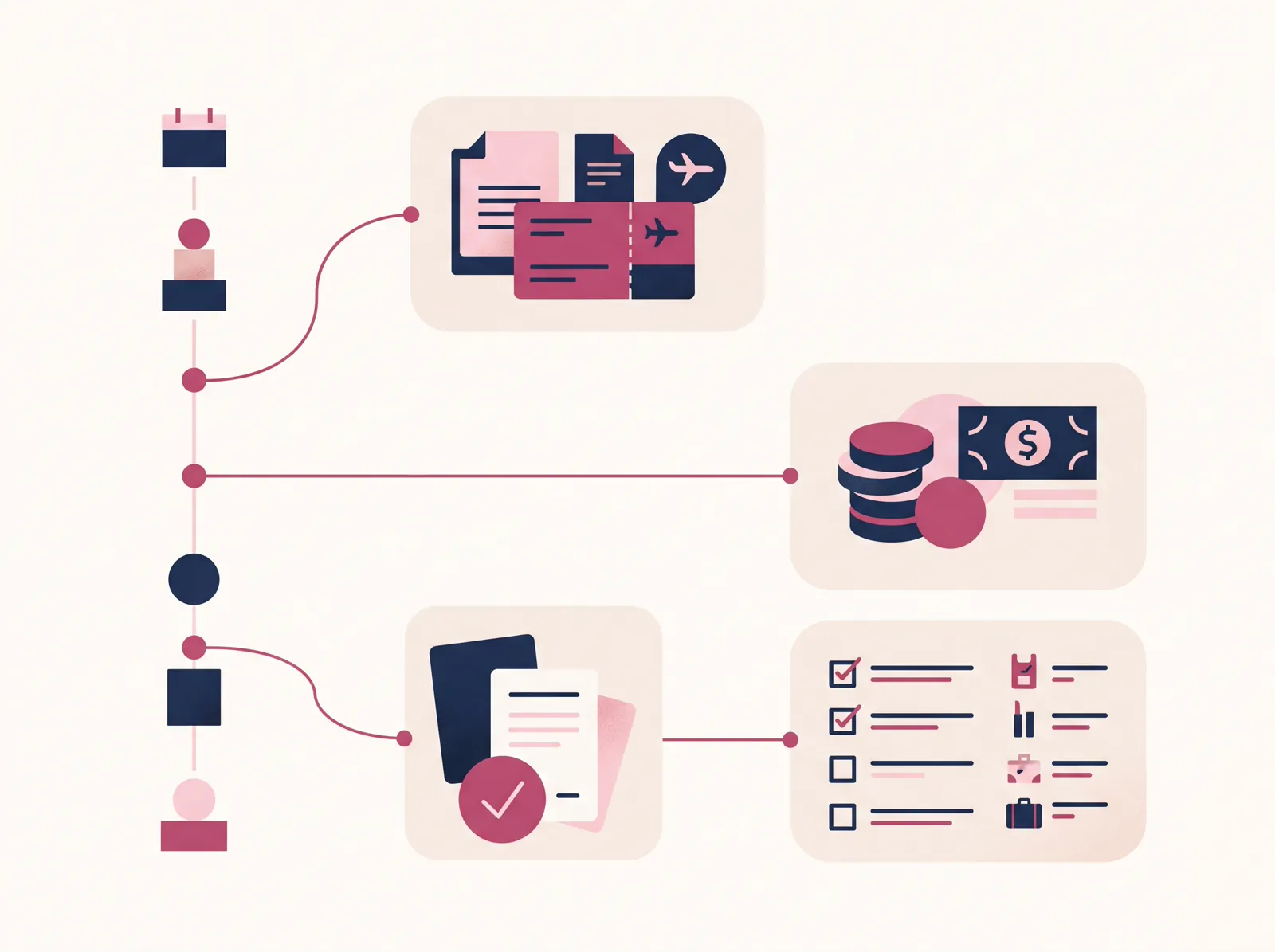
Write down the three details you reach for most during a trip. If they are places, routes and shared edits, try a map-first planner. If they are confirmation numbers, flight changes and check-in reminders, start with a booking organizer. If they are dates, costs and what each day contains, test a spreadsheet or document.
Then make one sample day in the tool you are considering. Add a stay, one timed booking, a place you might visit and an open block. Ask another traveler to find the stay and the booking without help. If either of you has to search through messages to confirm the plan, add a clear link or choose a better home for that detail.
You do not have to move every part of planning into one app. The useful setup is the one where each person knows which place to check and where to update a change. For many trips, a map plus a simple day plan is enough. A trip with more bookings, costs or travelers may need a more detailed file.
Why Trust This Article
We make Ultimate Travel Planner, a trip itinerary spreadsheet, and use its Lisbon and Porto sample to show how a booking can sit beside the day it affects. The sample dates and booking details above come from that file and are also shown in the seven-day itinerary example. App features were checked against the providers' public pages on November 5, 2026. This comparison describes those pages; it does not claim hands-on testing of the apps.
Frequently asked questions
Which travel planning app is best for building a route?
Wanderlog is a good fit when your itinerary starts with places on a map. Its help center covers maps, route optimization and shared planning.
Which travel app organizes booking confirmations?
TripIt is built around itinerary details from travel confirmations. Its free plan organizes plans, while Pro adds flight alerts and other travel updates.
Can Google Maps plan a whole trip?
Google Maps can save and share lists of places. You may still want a separate place for dates, bookings, costs and each day's schedule.
Is a spreadsheet useful for trip planning?
Yes, if you want to arrange bookings, daily plans, a budget and packing details in a file you can edit. You enter the details yourself.
How much does TripIt Pro cost?
TripIt's US pricing page listed Pro at $49 per year when checked on November 5, 2026. Check the page before subscribing in case the price has changed.
Sources
Keep reading

Trip Planning
How to Plan a Family Vacation Without Being the Only One Who Knows the Plan
How to plan a family vacation with one shared itinerary, clear booking decisions, a day plan everyone can open, and packing lists for each traveller.
· 8 min read

Trip Planning
How to Plan a Trip: The Order That Keeps It From Feeling Overwhelming
How to plan a trip in seven steps, from dates and bookings to each day's plan, budget, packing, final checks, and sharing it with the group.
· 8 min read
