How to Plan a Family Vacation Without Being the Only One Who Knows the Plan
How to plan a family vacation with one shared itinerary, clear booking decisions, a day plan everyone can open, and packing lists for each traveller.
By Ultimate Travel Planner by Cosmo Suite · Editorial policy
Published · 8 min read

You have the dates in the family chat, a hotel link in someone’s email, and three different ideas about what to do on the first full day. Somehow, everyone expects you to remember the final version.
The plan has a clearer shape when the family settles a few decisions together and keeps bookings, daily plans, and packing responsibilities in one place. Start with the dates and who is travelling. Record confirmed bookings next. Then build each day around those commitments, assign shared tasks, and give everyone the current itinerary.
The example below follows a fictional four-traveller trip and shows how the work can be shared. Use a spreadsheet, document, or notebook. A travel itinerary spreadsheet with bookings beside each day can keep the details together as plans change.
The Plan in Brief
- Agree on the trip’s dates, travellers, and broad preferences.
- Record confirmed bookings before adding optional activities.
- Put fixed plans on each day and leave open time around them.
- Give each shared task one owner and keep personal packing lists separate.
- Share one current plan with access that fits each traveller.
Start with the decisions the whole family needs to make
Choose the trip’s boundaries before the group starts comparing every activity. Write down the dates or date range, who is going, the places under consideration, and any needs that change the plan. Keep undecided items marked as questions. A suggestion in a chat is not a booking.
Ask each traveller for the preferences that affect the trip itself. One person may care most about a slower morning. Another may want one full day for a particular activity. You do not need a vote on every meal. Agree on the fixed choices, note the open ones, and give one person responsibility for bringing each question back to the group.
Before you compare activities, ask each traveller for one must-do, one nice-to-have, and one thing they would skip. Turn the answers into a short list of trip priorities. When two ideas compete for the same time, check whether they can happen on different days or whether one can stay optional. This gives the family a fair way to make choices without treating every suggestion as a promise.
For a family trip, assign a few jobs early. Choose who will check the stay details, who will gather transport information, and who will keep the shared plan current. The update owner records the decisions the family makes and keeps the file current.
A family itinerary is the current record of dates, confirmed bookings, daily plans, and owners for shared tasks. Keep that record easy to distinguish from the list of ideas still under discussion.
The trip planning steps from dates through bookings and daily plans offer a useful order when the family is not sure what to settle first.
Put bookings on the calendar before filling every day
Confirmed transport, stays, and timed activities give the itinerary its shape. Add each booking once with the date, time, location, and the confirmation detail the group may need. Mark possible activities separately so a reader can tell an idea from a commitment.
Picture a fictional four-person family arriving on a Tuesday and staying in one place for several nights. The Tuesday arrival and the first night’s stay are fixed. A museum visit on Thursday is booked for the morning. A park and a relaxed lunch are ideas for Wednesday, so they remain flexible. When someone opens the plan, they can see which details are settled and which still need a decision.
Use one row or card per booking. If the hotel changes, update the booking record and check the affected days. Copying the same address into a chat, a note, and a calendar leaves three versions to maintain.
Family vacation plan: who owns each detail
A shared plan works when each task has one named owner and each traveller can find the information they need. In this fictional example, one adult keeps the itinerary current while the family shares small, specific jobs.
| Detail | Owner | What goes in the plan |
|---|---|---|
| Stay and check-in details | Adult 1 | Address, dates, check-in information, and booking reference |
| Transport booking | Adult 2 | Departure time, station or airport, and confirmation detail |
| Shared charger | Teen traveller | Who packs it and where it will be kept |
| Personal clothes and toiletries | Each traveller | A separate packing list for that person |
| Daily plan updates | Adult 1 | The agreed change and the date it was updated |
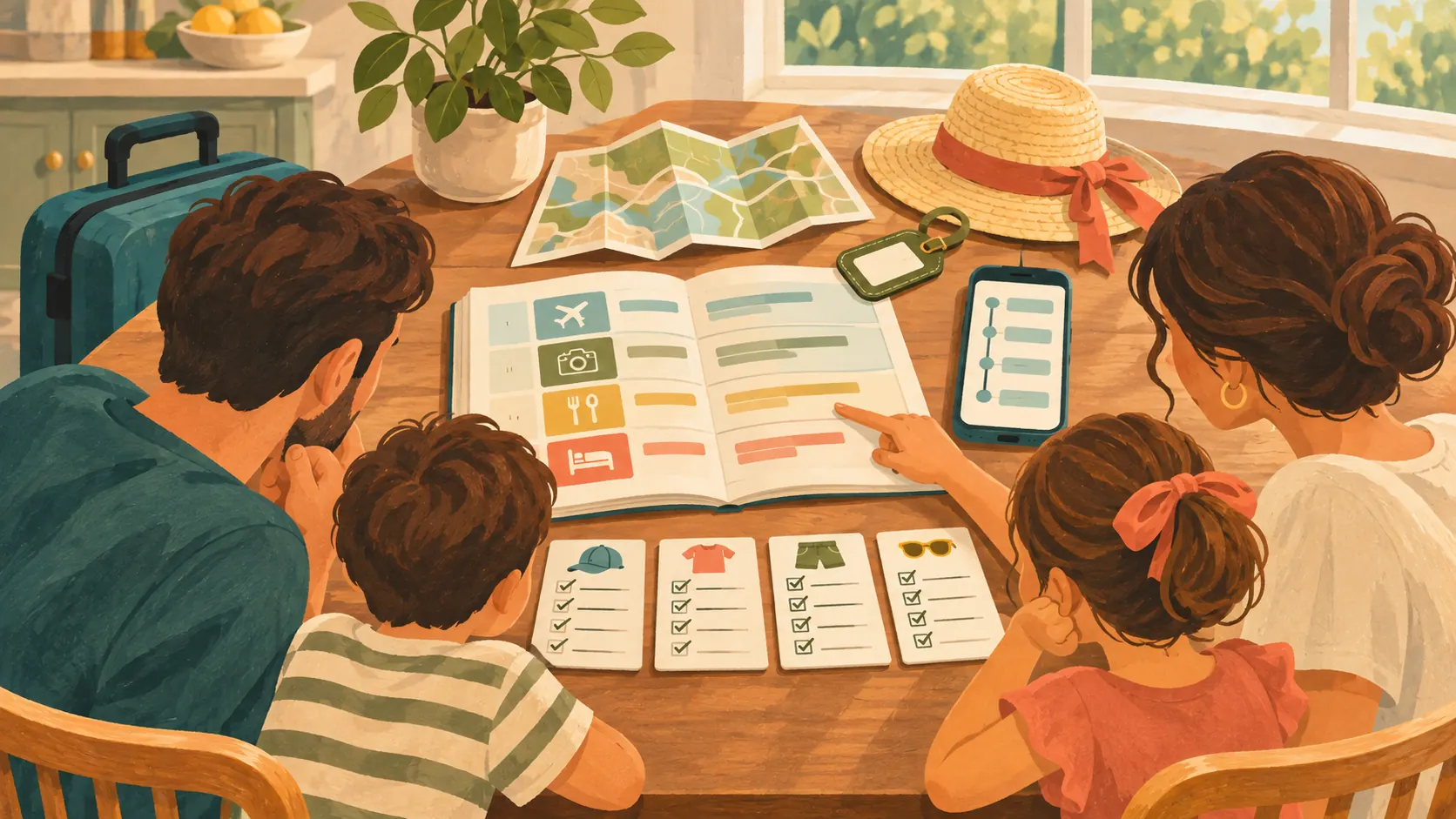
The aim is to make ownership visible. Give each shared item one person responsible for bringing it. Keep personal items on each traveller's list. One person can maintain the main itinerary while the group sends corrections or suggestions.
You can use a spreadsheet, document, or shared note for this. Google Sheets can be shared with viewer, commenter, or editor access; its sharing guide explains how to manage file access, and the Sheets collaboration guide covers editing and comments. Microsoft's Excel workbook sharing guide explains its collaboration options. Choose the format the family can open, then agree who may change fixed bookings.
Build each day around fixed points and open time
Add the booked activities to the correct dates first. Then decide what would fit before and after them, leaving some space for meals, travel between places, and changes of pace. A day plan should help the family know where to be without turning every hour into an obligation.
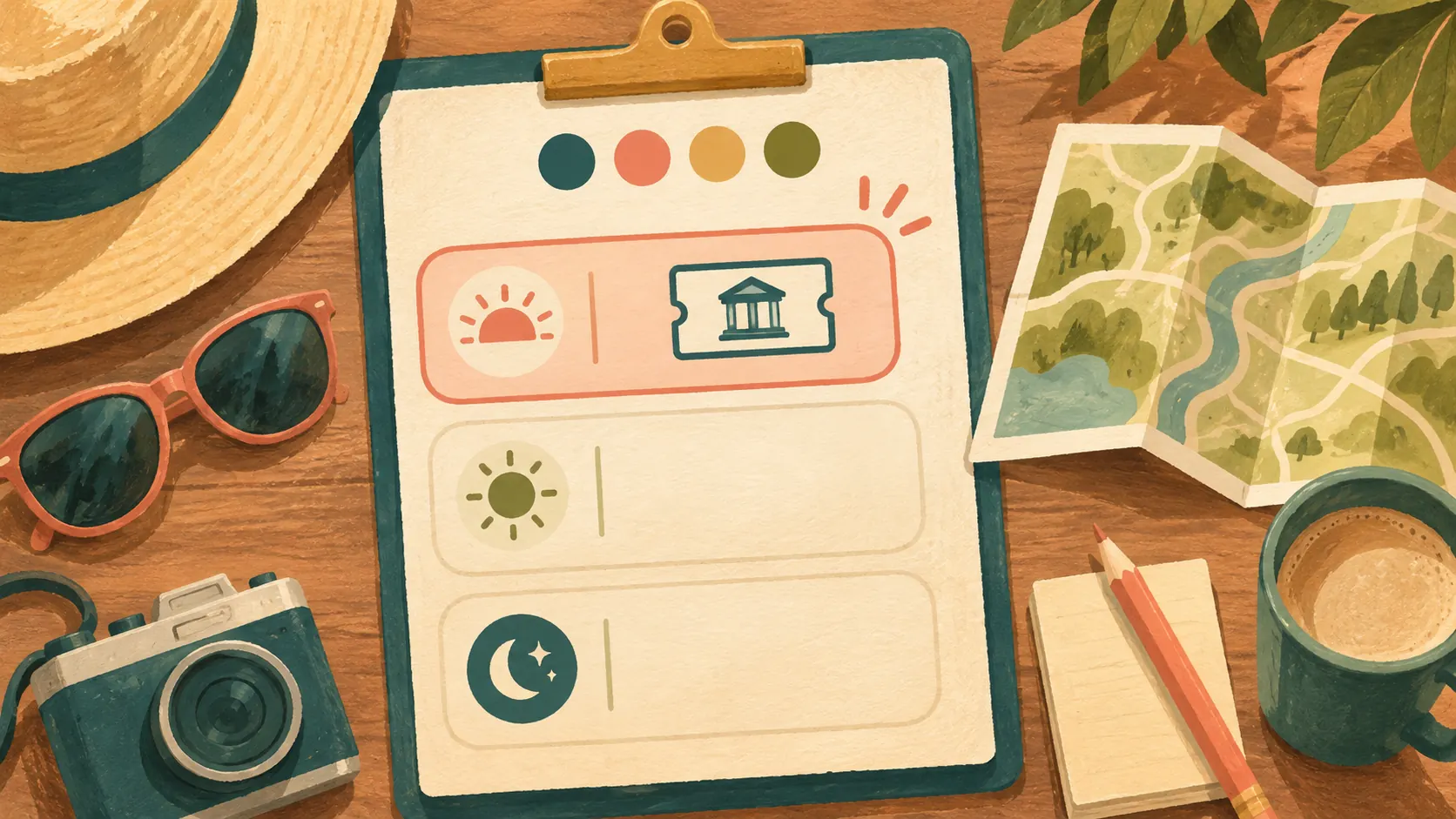
For the fictional Thursday, the morning museum booking stays fixed. The family can leave lunch and the afternoon open until they know how the day feels. Put the meeting time and location beside the booking. If the group has a separate idea for the evening, mark it as optional until everyone agrees.
Keep the plan readable on a phone. Put the date, place, and essential booking detail near the top of each day. The whole group does not need every research note while travelling. Store background options elsewhere and bring the agreed choice into the day plan.
If there are several stops, check the sequence before calling the day finished. A booking in one part of town followed by another far away may need more travel time than the schedule allows. Verify routes and operating details with current official or provider information; this article does not make destination recommendations.
Keep the budget and packing lists tied to the trip
Use the trip’s confirmed dates and bookings to organize the budget, then keep unconfirmed costs visibly separate. If several adults are sharing costs, agree which expenses are shared and who will record them. This prevents a planning note from being mistaken for a final amount due.
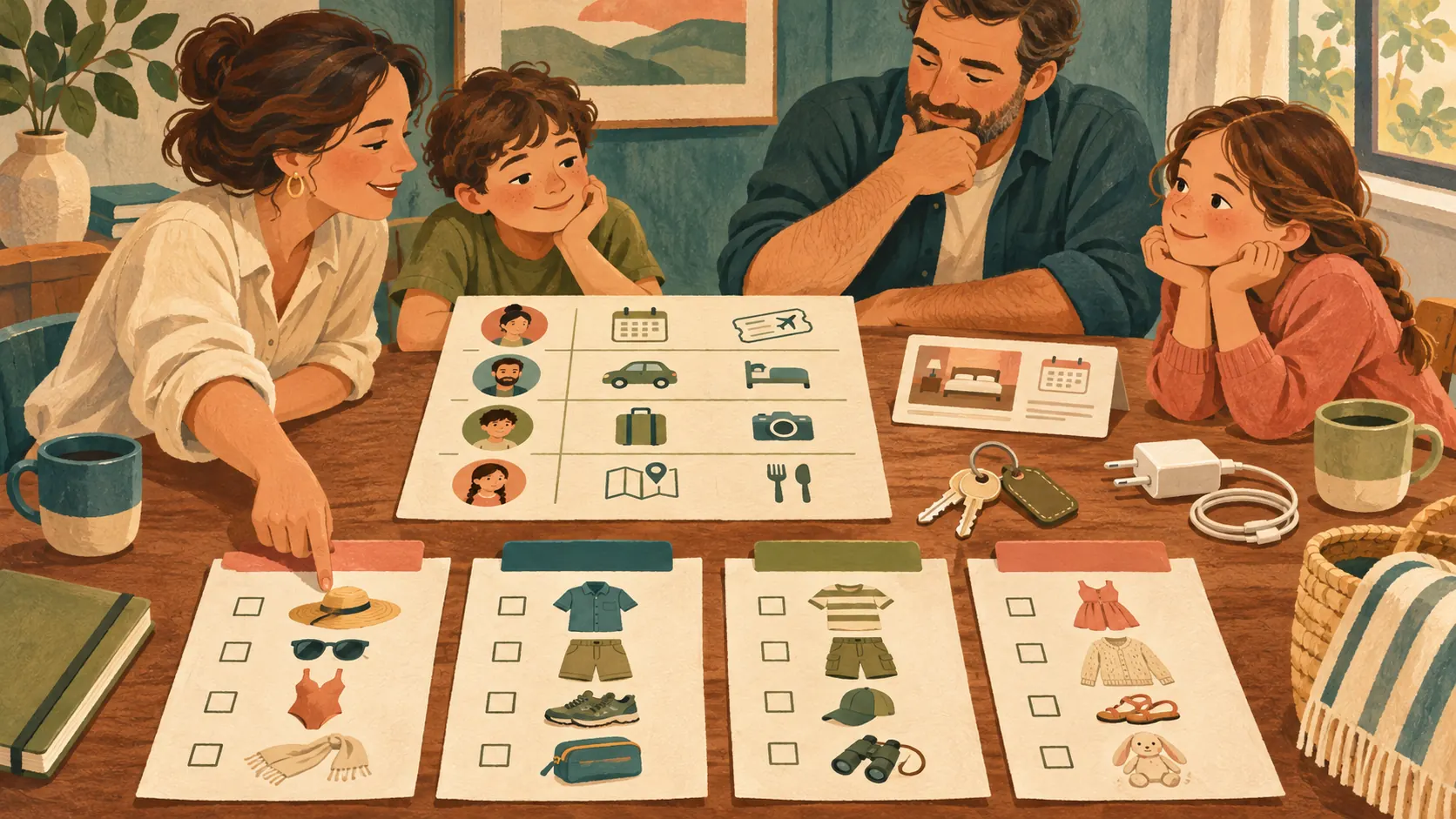
Packing is easier when the family starts with a reusable list and edits it for this trip. Keep one list for each person, then make a short shared-items list for things such as a charger or travel adapter. Give each shared item one owner. A child can help check a list with an adult, while the adult remains responsible for any decision that needs adult judgment.
For the main itinerary, the travel itinerary template with a filled-in sample trip shows how bookings and daily blocks can sit together.
Share the current plan and check access
Keep one current file and tell the family where it lives. Google Sheets supports sharing with different access roles, and its help guide explains how people can collaborate in a sheet. Excel also supports sharing a workbook with others. Access depends on the file’s sharing settings and storage, so test the link with the people who need it before the trip.
Agree who can update confirmed bookings and how changes reach the rest of the group. If one person owns itinerary edits, other travellers can send corrections or suggestions without making a second schedule. When a booking changes, update its date or location in the shared file, then tell the group where to find the new detail. Avoid sending a screenshot as the only notice because it can outlive the change.
Before you share the itinerary, read it once from top to bottom. Check that each stay covers the intended nights, each timed booking appears on the right date, and the next day's first commitment fits after the previous evening. Then read it as someone who did not make the booking. Can they find the meeting time, location, and confirmation detail without opening an old message? Add the missing information to the current plan.
The final pass is for open questions. Mark anything the group has not decided yet and name who will follow up. That gives everyone a useful plan while leaving undecided activities flexible. When an answer arrives, update the same file and share the change there.
Before departure, scan the plan for dates, confirmations, addresses, and the next stay. Ask each traveller to open the file on the device they will use. Keep entry or document requirements on a separate list and check the official government guidance for each traveller's nationality and destination. For international trips with children, the U.S. Department of State's guidance on travelling with minors says to review the entry or exit requirements that apply to your family.
If a change needs checking later, Google Sheets version history can show earlier versions and who edited them, when you have edit access.

What the Ultimate Travel Planner keeps together
The Ultimate Travel Planner (ultimatetravelplanner.site) comes as a 12-tab file in Google Sheets and Excel, with a sample copy and a clean copy. Its itinerary, bookings, budget, spending, and traveller packing lists sit alongside each other. It supports trips up to 60 days and up to 8 travellers, with a rate you type in for currency conversion. The Day Plan tab can be opened on a phone or printed, so travellers can check the day's details away from the computer.
The planner is a file for organizing details the family provides. It does not import bookings from email or fetch live exchange rates. Its Day Plan tab can be opened on a phone or printed, so travellers can check the day's details away from the computer. A trip itinerary spreadsheet for bookings, day plans, and separate packing lists gives the group a ready-made structure to fill in together.
Why Trust This Article
This guide follows the documented Ultimate Travel Planner features and uses a fictional four-traveller example. Google’s Sheets collaboration guidance and Microsoft’s workbook-sharing instructions were checked on 16 November 2026. Product details come from its approved contents list: 12 tabs in Sheets and Excel, a sample and clean copy, and capacity for up to 8 travellers. Read our About page and editorial policy; use the contact page to report a correction. This guide covers planning only. It does not give destination, legal, or medical advice.
Frequently asked questions
What is the first step in planning a family vacation?
Set the dates, list who is going, and agree on the kind of trip you want. Keep destination and activity ideas open until those basics are settled.
How do you plan a vacation with kids and adults?
Add confirmed bookings to the day plan, then leave open time around them. Keep a packing list for each traveller and name one person to bring each shared item.
How can a family share a vacation itinerary?
Keep one current itinerary in a shared file. Google Sheets lets you set viewer, commenter, or editor access. Check the settings, then send the link to the group.
How do you divide family vacation planning?
Give each decision or shared task an owner, such as checking a booking or packing a shared item. Choose one person to update the itinerary so changes stay in the current file.
What should a family vacation itinerary include?
Include the travel dates, confirmed bookings, where you stay, fixed plans for each day, and useful contact details. Leave open time around activities and verify destination rules with official sources.
Sources
Keep reading

Trip Planning
How to Plan a Trip: The Order That Keeps It From Feeling Overwhelming
How to plan a trip in seven steps, from dates and bookings to each day's plan, budget, packing, final checks, and sharing it with the group.
· 8 min read

Trip Planning
Best Travel Planning Apps (2026) vs. a Spreadsheet
Best travel planning app for maps, booking details, shared plans or a spreadsheet? Compare what each option handles, then choose the setup that fits your trip.
· 8 min read
